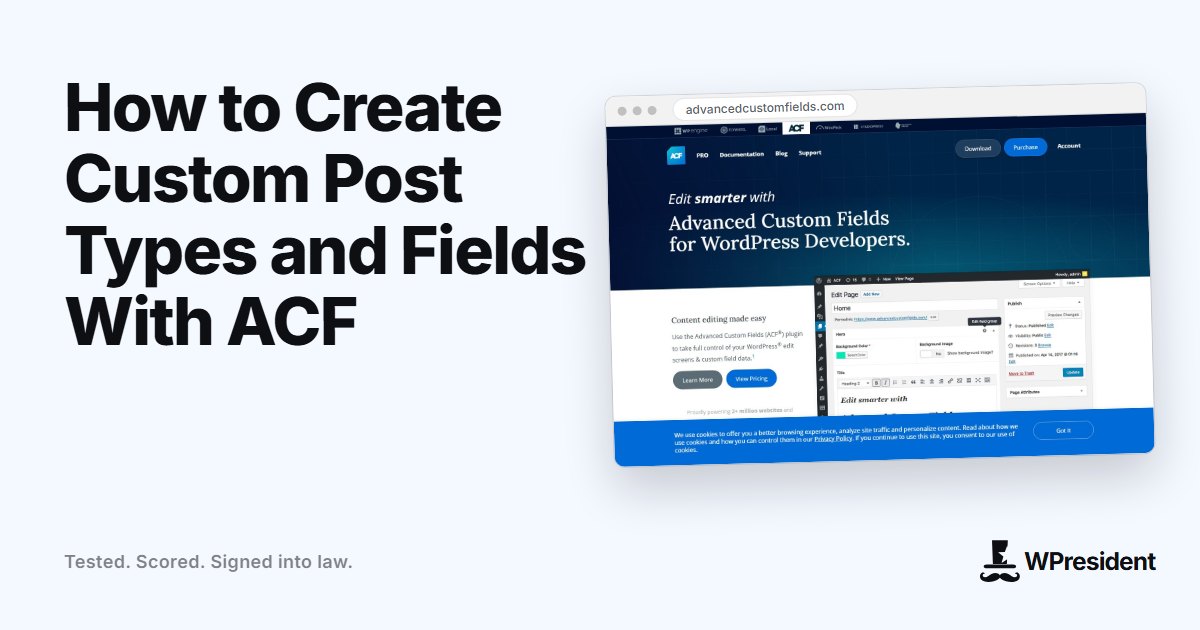
Custom post types let you organise content that is not a blog post or a page: products, events, team members, directory listings. Advanced Custom Fields (ACF) lets you create the post type, its taxonomies and the fields that hold its data from the WordPress admin, with no registration code.
Plan the content model first
Before you click anything, write down what you are storing. For a directory of agencies, for example:
- Post type: Agency
- Taxonomy: Country, Service
- Fields: website URL, year founded, team size, logo, short description
Step 1: create the post type
- In the admin, go to ACF, Post Types, Add New.
- Enter the plural and singular names and a key such as
agency. - Choose supports (title, editor, featured image), set the archive and the URL slug, and enable “Show in REST API” if you plan to use it.
- Save.
Step 2: create taxonomies
Under ACF, Taxonomies, add Country and Service, attach them to the Agency post type, and choose whether each is hierarchical like categories or flat like tags.
Step 3: add a field group
- Go to ACF, Field Groups, Add New.
- Add fields with the right types: URL for the website, Number for team size, Image for the logo, Text Area for the description.
- Set the location rule: Post Type is equal to Agency.
- Use clear labels and instructions so editors know what to enter.
Step 4: show the data on the front end
In a PHP template you can output a field with get_field( 'website' ). In a visual builder such as Etch, bind the field with its dynamic data syntax, for example {this.acf.website}. To list entries, use the builder’s loop with the post type as the query.
Good practice
- Use clear, lowercase field names and do not change them after you have content, as they are the keys in the database.
- Save fields as local JSON so they live in your theme or plugin and can be versioned.
- Validate and sanitise output. Use
esc_html()andesc_url()in templates. - Keep post types in a plugin, not the theme, so switching themes does not lose your content.
Final thoughts
A well-planned custom post type makes content easier to edit, query and display. Spend time on the data model first. The clicking afterwards takes minutes.
Frequently asked questions
Do I need ACF Pro?
The free plugin can register post types, taxonomies and basic fields. Pro adds repeaters, flexible content, galleries and options pages.
Will my content disappear if I deactivate ACF?
The data stays in the database, but the fields, and the post types registered by ACF, stop appearing until it is active again.