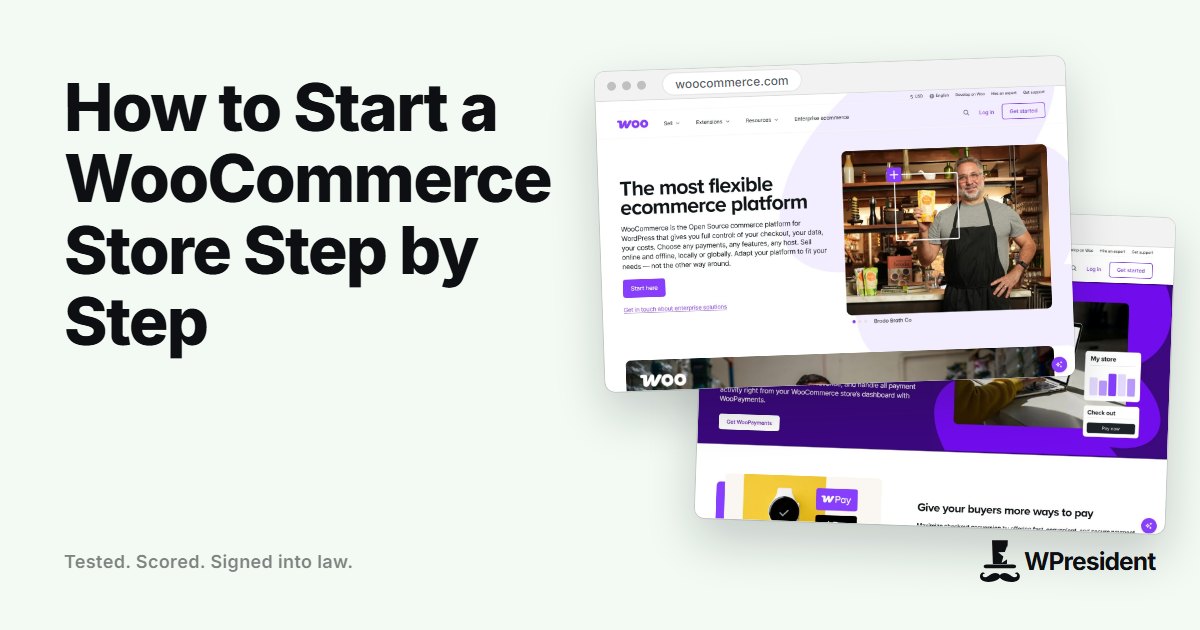
WooCommerce turns a WordPress site into an online store. It is free to install, flexible, and used by a large share of online shops, but it expects you to make a handful of decisions up front. This guide walks through them in the order you will need them.
1. Decide what you are selling
Physical products, digital downloads, subscriptions and bookings all work in WooCommerce, but they need different setups: shipping for physical goods, file delivery for downloads, recurring billing for subscriptions. Write down your product types, number of products, and the countries you will sell to.
2. Choose hosting built for stores
Store pages such as the cart and checkout cannot be fully cached, so the server does more work per visit. Pick hosting with enough PHP workers, fast storage, an object cache and HTTPS. See our guide to choosing WordPress hosting for the questions to ask.
3. Install WordPress and WooCommerce
- Install WordPress and set permalinks to “Post name”.
- Install and activate WooCommerce, then follow the setup wizard.
- Enter your store address, currency and the countries you sell to.
4. Add your products
- Write a clear title and a description that answers buyers’ questions.
- Add sharp photos with consistent size and a white or neutral background.
- Fill in price, SKU, stock and weight and dimensions for shipping.
- Use categories and, when needed, attributes and variations such as size and colour.
5. Set up payments
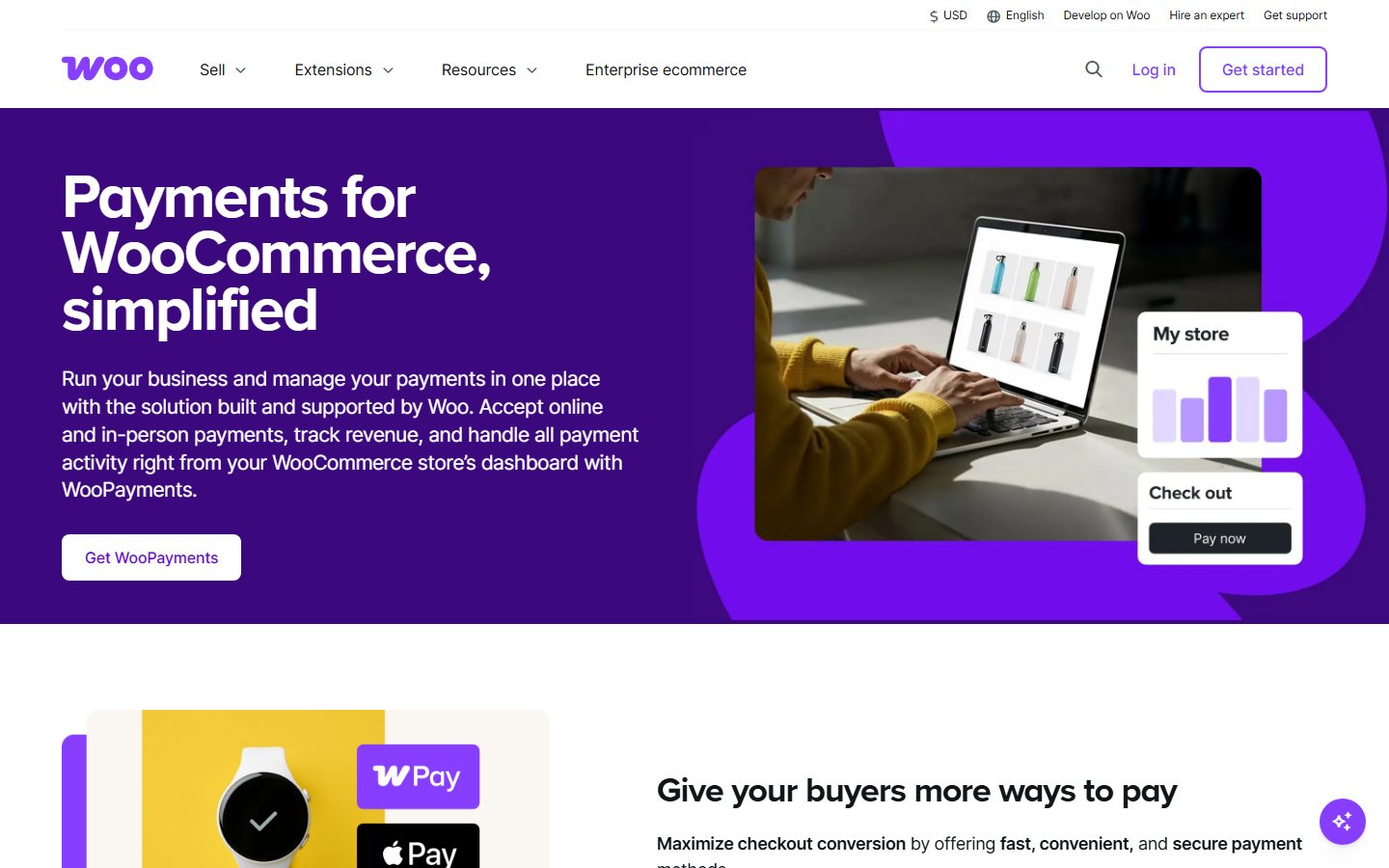
Offer the methods your customers expect. Most stores start with a card gateway such as Stripe or WooPayments, plus PayPal. Test every method in test mode before going live.
6. Configure tax
Tax rules depend on where you and your customers are. Some regions require you to charge sales tax or VAT and to register with the tax authority. WooCommerce can calculate tax from rates you enter, and extensions or services can automate it. Check local rules or ask an accountant before launch.
7. Configure shipping
- Create shipping zones, for example your country, the EU and the rest of the world.
- Add flat rate, free shipping above a threshold, or live carrier rates.
- Decide your handling time and returns policy, and publish both clearly.
8. Create the legal and trust pages
You will need a privacy policy, terms and conditions, a returns and refunds policy and contact details. Visitors check for them before paying, and many regions require them.
9. Place test orders
Run a complete order using test mode for each payment method: add to cart, apply a coupon, check out, and confirm that the order email arrives, stock is reduced and the order appears in the admin. Do it on mobile too.
10. Speed and security before launch
- Use a caching setup that excludes the cart, checkout and account pages.
- Compress images and serve modern formats.
- Keep WordPress, WooCommerce and extensions updated, and take daily backups.
- Protect admin accounts with two-factor authentication.
Launch checklist
- Live payment keys in place and a small real order tested and refunded.
- Order and shipping emails branded and tested.
- Analytics and conversion tracking set up.
- Search engine visibility switched on.
Final thoughts
A first WooCommerce store does not need dozens of extensions. Start with the core plugin, one good payment option and clear policies. Add features once real customers tell you what is missing.
Frequently asked questions
Is WooCommerce free?
The core plugin is free. You will pay for hosting, a domain, any paid extensions you choose and payment processing fees.
Do I need a developer to launch a WooCommerce store?
Not for a simple store. A basic setup is doable following the setup wizard. Complex shipping, tax or custom features are where help pays off.
WooCommerce or a hosted platform?
WooCommerce gives you ownership and flexibility but means you manage hosting, updates and security. A hosted platform trades some control for less maintenance.