Many businesses want a WordPress site that stays updated, backed up and secure without becoming their problem. That is a maintenance business: a recurring service that keeps client sites healthy. It is one of the most stable ways for freelancers and small agencies to build predictable income.
What a maintenance plan includes
- Updates for WordPress core, plugins and themes, tested before and after.
- Off-site backups and a tested restore process.
- Uptime monitoring and security monitoring.
- Malware scans and cleanup if something goes wrong.
- Performance checks, such as page speed and Core Web Vitals.
- A small number of content or support hours per month.
- A monthly report showing what was done.
Structure your plans
Three tiers work well. A basic tier covers updates, backups and monitoring. A standard tier adds security, performance work and a few support hours. A premium tier adds priority response, more hours and staging workflows for stores and membership sites. Define what is and is not included, and what extra work costs.
Price on value and effort
- Estimate the real time per site per month, including support.
- Price higher for stores and complex sites; the risk and the work are greater.
- Charge monthly or yearly in advance, so cash flow is predictable.
- Review prices annually.
Tools that make it scalable
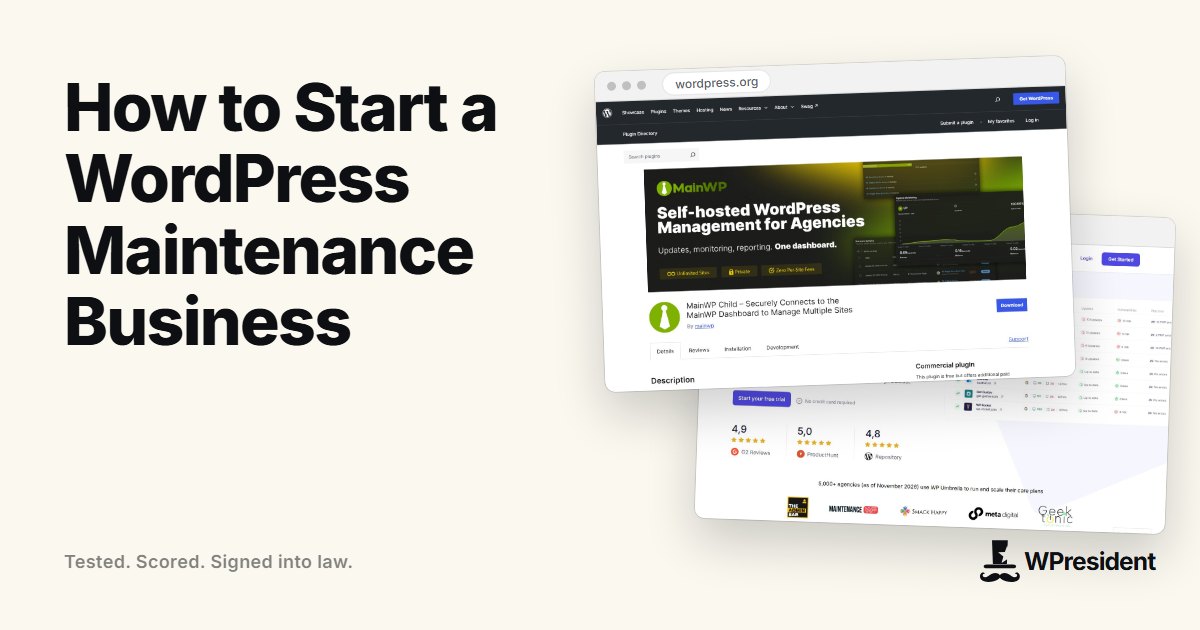
You cannot update fifty sites by hand. Use a site management dashboard to update, back up and monitor many sites from one place.
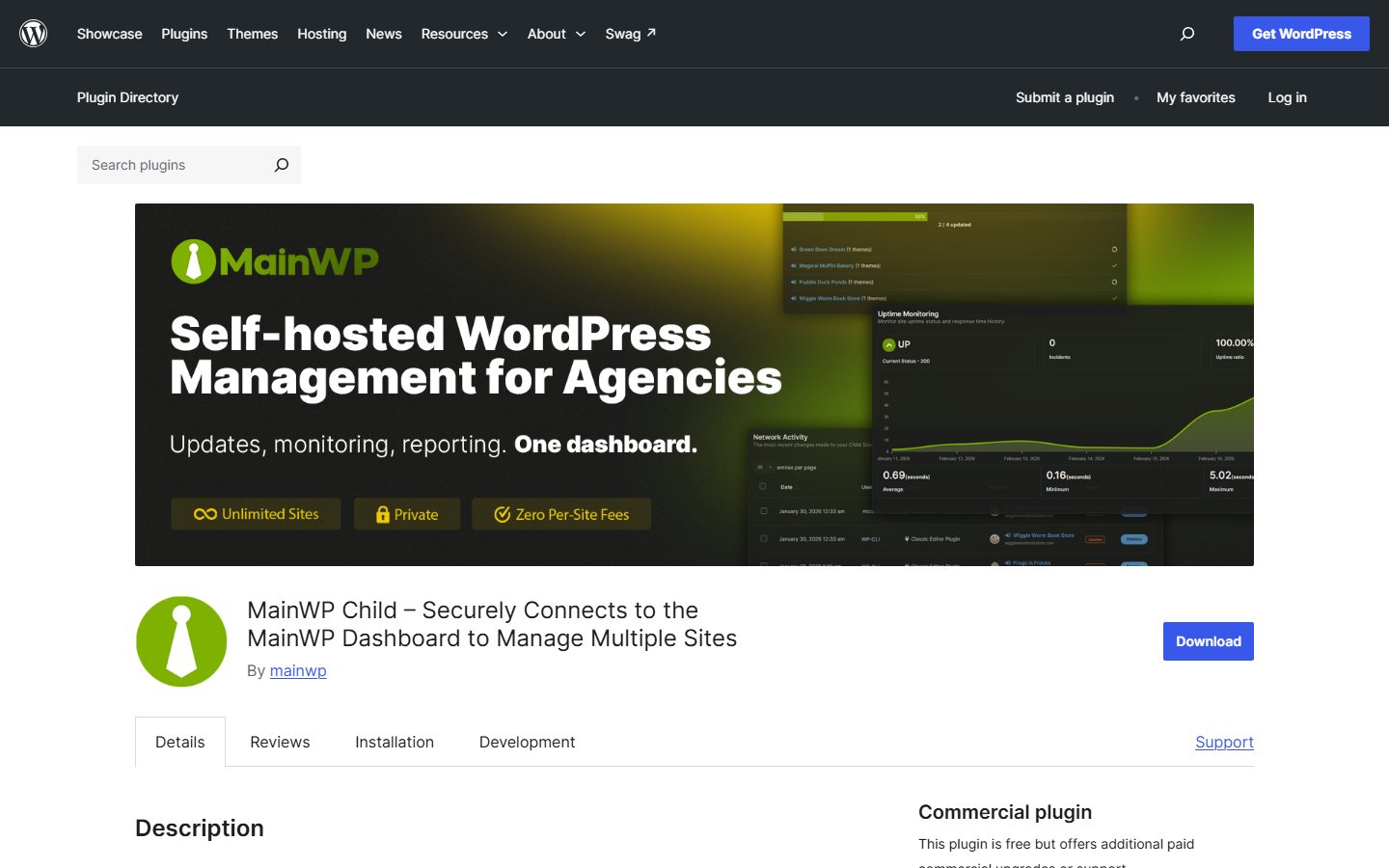
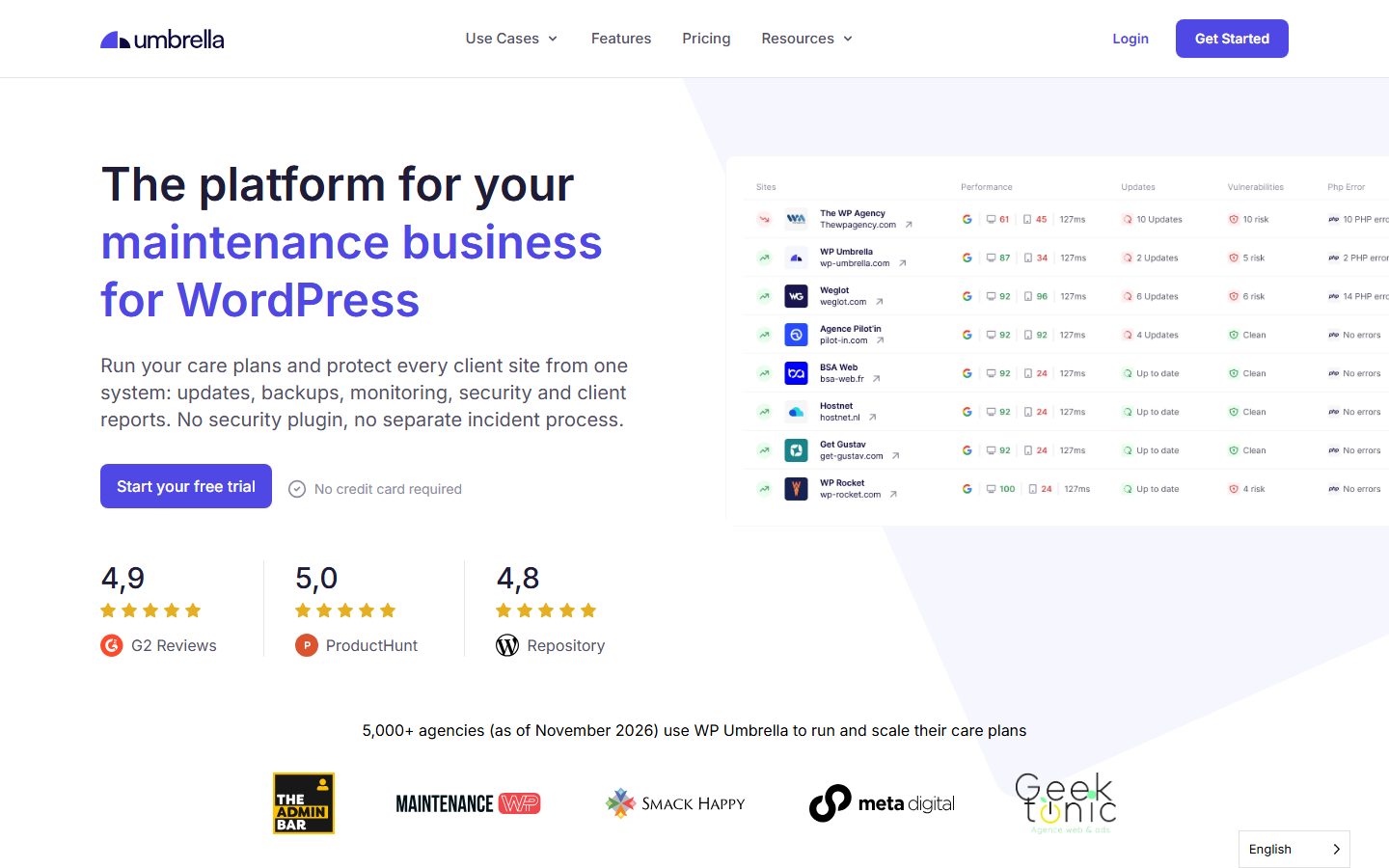
- A management dashboard such as MainWP, ManageWP or WP Umbrella.
- Off-site backup storage.
- A vulnerability monitoring service.
- A help desk or shared inbox and a password manager for credentials.
Protect yourself in the contract
- State exactly what is covered and the response times you offer, without guaranteeing that nothing will ever break.
- Require that clients keep their own hosting and domain access, or define who owns what.
- Clarify that new features, redesigns and recovery from problems that predate the contract are separate work.
- Include a cancellation notice period and how backups and access are handed over.
- Carry professional liability insurance if your market expects it.
Find your first clients
- Offer maintenance to clients whose sites you built.
- Audit a prospect’s site and show the outdated plugins and missing backups.
- Partner with web designers who build sites but do not want to maintain them.
- Publish your plans and a sample report on your site.
Final thoughts
A maintenance business succeeds on process: the same checklist, tools and report for every site. Start with a few clients, systemise what you do, and add tiers as your workflow matures.
Frequently asked questions
How many sites can one person maintain?
With a good dashboard and routine, dozens. The limit is usually support requests, not updates.
Should I offer unlimited changes?
It is risky. Include a clear number of support hours and charge for larger changes separately.