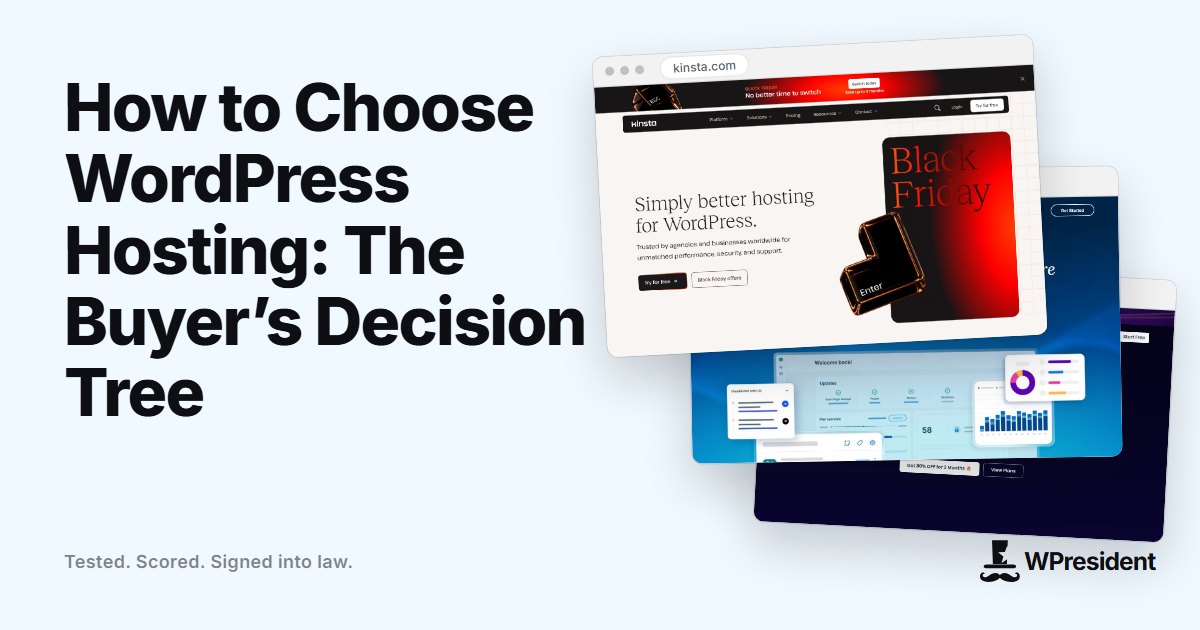
WordPress runs on almost any server, which is why the hosting market is so crowded. The right choice depends less on brand than on four things: how much traffic you expect, how much work you want to do yourself, whether you run a store, and how much downtime would cost you.
Step 1: pick the type of hosting
| Type | Best for | Trade-off |
|---|---|---|
| Shared hosting | New blogs, small brochure sites, side projects | You share server resources, so a busy neighbour can slow you down. Limited control. |
| Managed WordPress hosting | Business sites, agencies, anyone who wants updates, backups, caching and support handled | Higher cost per site, and some plugins are restricted. |
| Cloud or VPS with a control panel | Technical owners and agencies who want control at a fair price | You are responsible for configuration, security and updates unless the panel automates them. |
| Dedicated or enterprise | High-traffic publishers and large stores with compliance needs | Cost and complexity. |
Step 2: ask these questions before you pay
- What is the renewal price? Many plans are cheap in the first term and cost more at renewal. Compare the renewal price, not the offer.
- Which PHP versions are supported? You want a currently supported version and the ability to change it.
- Is there server-side caching and an object cache? A built-in page cache and Redis or Memcached support save you from stacking plugins.
- How are backups handled? Look for automatic daily backups kept off the server, and a simple restore.
- Is there a staging site? One-click staging makes safe updates possible.
- Where are the data centres? Choose a location near most of your visitors, or a host with a CDN.
- What does support actually cover? Ask whether support will investigate a slow plugin or only the server.
- What are the limits? Check monthly visits, storage, PHP workers and bandwidth, and what happens when you pass them.
- Can you leave easily? Look for standard backups and free or documented migrations.
- Is email included? Many sites should send transactional email through a dedicated service anyway.
Step 3: match the host to your situation
A new blog or small business site
A reputable shared plan is enough to start. Add a caching plugin or use the host’s built-in cache, and plan to upgrade when traffic grows.
A business that depends on the site
Managed WordPress hosting is usually worth the premium. You are paying for time: updates, security hardening, caching and support that understands WordPress.
A WooCommerce store
Stores cannot be cached like blogs, because carts and checkouts are dynamic. Look for generous PHP workers, an object cache, fast storage and a host that treats checkout performance as part of its job.
An agency managing many sites
Cloud servers managed through a panel give you control and predictable costs across many client sites. Choose a panel with automated backups, updates and monitoring.

Step 4: test before you commit
- Use the money-back window to move a copy of your real site and measure it, not a demo page.
- Contact support with a real technical question and see how they answer.
- Check the host’s status page and look at its incident history.
Final thoughts
The cheapest plan is rarely the cheapest outcome if it costs you hours of troubleshooting or a lost sale. Decide how much of the work you want to own, pick the hosting type that matches, and use the questions above to compare providers on facts rather than marketing.
Frequently asked questions
Is managed WordPress hosting worth it?
For a site that makes money or represents a business, usually yes. You pay for expert support, automatic backups, caching and security work you would otherwise do yourself.
Do I need a CDN?
If your visitors are spread across regions, a CDN helps by serving static files from nearby locations. Many hosts include one.
How much traffic can shared hosting handle?
It depends on the plan and how well the site is cached. A cached blog can serve a lot of visits; an uncached store cannot. Check the stated limits and test.