A staging site is a private clone of your live website. You break things on it, test updates and design changes, and only move the result to production once it works. For any site that earns money or represents a business, it is the cheapest insurance you can buy.
What a staging site is for
- Testing plugin, theme and WordPress core updates before they reach visitors.
- Building a redesign or new feature without exposing half-finished work.
- Reproducing a bug without risking the live site.
- Trying a new plugin to see what it changes.
Option 1: one-click staging from your host
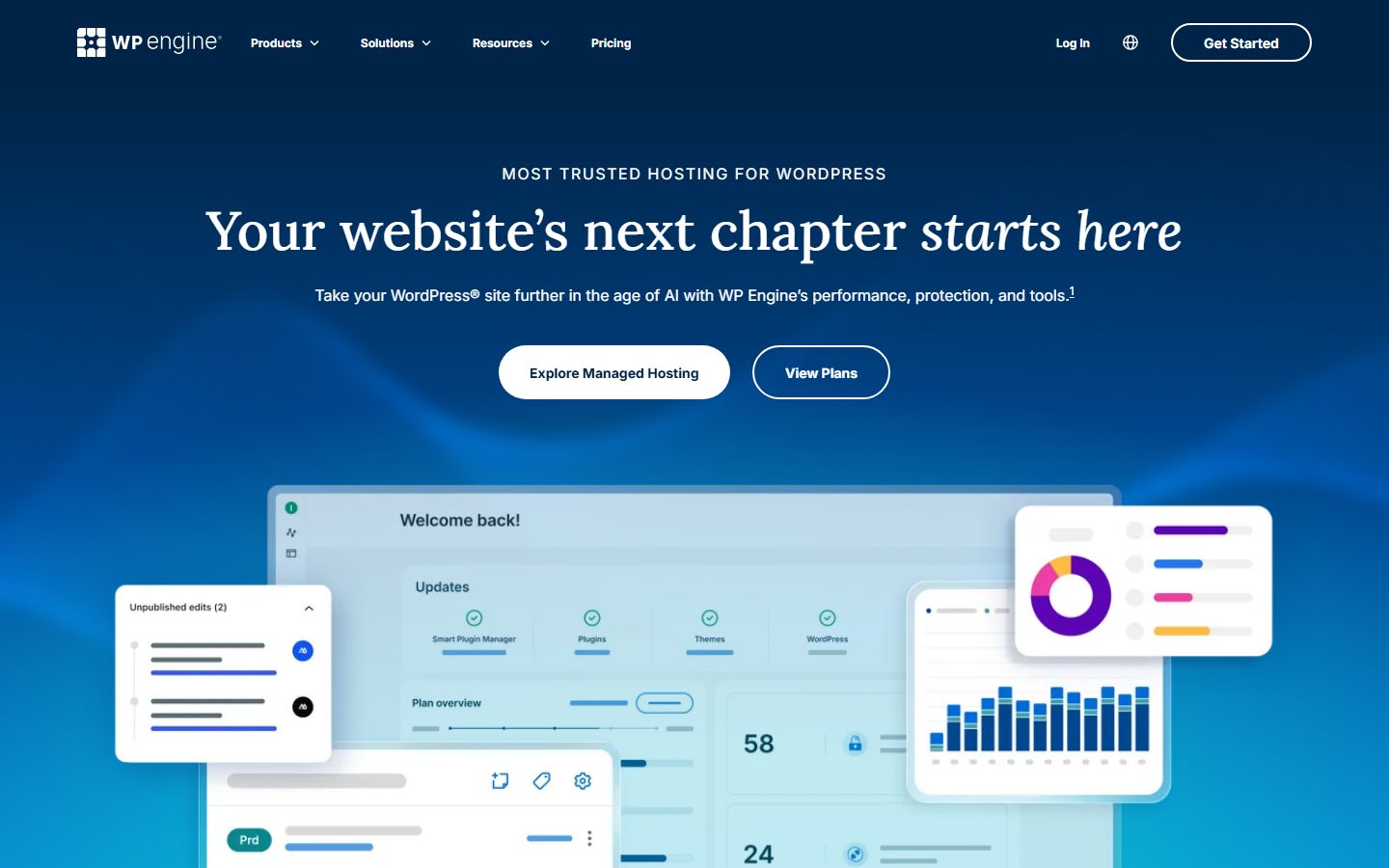
Many managed WordPress hosts include staging in their dashboard: you click a button, the host copies files and database to a protected subdomain, and a second button pushes changes back. This is the safest and fastest route because the host handles search-and-replace of URLs and keeps the copy private.
Option 2: a local development environment
If your host has no staging, run a copy of the site on your own computer. Local is a free app for running WordPress locally; it can also push and pull sites to some hosts.
Option 3: a manual staging site
- Create a subdomain such as
staging.example.comand a separate database. - Copy the site files to the subdomain and import a copy of the database.
- Edit
wp-config.phpon staging with the new database details. - Run a search-and-replace to change the live URL to the staging URL in the database. Use WP-CLI’s
wp search-replaceor a tool that handles serialized data correctly. - Put the staging site behind HTTP authentication.
Protect the staging site
- Block search engines. Set Settings, Reading, “Discourage search engines” and password-protect the site.
- Stop outgoing email. A copy of a store can send real order emails to real customers. Disable mail or route it to a test inbox.
- Use test payment keys. Never leave live payment gateway keys on staging.
- Turn off scheduled tasks that talk to third parties, such as syncs to CRM or marketing tools.
Moving changes to the live site
- Take a full backup of the live site first.
- If you only changed code or design, copy those files or use the host’s push feature.
- If the site has changing data, such as orders, comments or form entries, do not overwrite the live database. Move only the changes you made.
- Clear caches and check the key pages: home, a post, search, contact form and, for stores, a test checkout.
Final thoughts
Staging is a habit more than a tool. Decide that nothing is updated on production before it has been tried on a copy, and make the copy easy enough to create that you actually do it.
Frequently asked questions
Can I use a staging site for a WooCommerce store?
Yes, but avoid pushing the staging database to live, because you would overwrite real orders. Move only code and settings, and use test payment keys on the copy.
Will a staging site hurt my SEO?
Not if it is blocked from search engines and protected by a password. An open copy of your site can be indexed as duplicate content, so always protect it.