Internal links are the links between pages on your own site. They help visitors move from one useful page to the next, and they help search engines discover pages and understand which ones matter. Unlike backlinks, you control them completely, which makes them one of the cheapest SEO improvements available.
The pillar and cluster model
Organise content around topics. A pillar page covers a broad subject in depth. Cluster pages cover narrower questions inside it. Link each cluster page up to the pillar, link the pillar down to each cluster page, and link related cluster pages to each other.
For example, a pillar on WordPress performance would link to guides on caching, images and Core Web Vitals, and each of those would link back to the pillar.
Rules for good internal links
- Link where it helps the reader. Place links in the body text where the next click is natural.
- Use descriptive anchor text. “Core Web Vitals guide” says more than “click here”. Vary it naturally and avoid stuffing exact keywords.
- Link to the most important pages most often. Your money pages and pillars should receive the most internal links.
- Keep important pages shallow. Pages should be reachable within a few clicks from the home page.
- Link from old posts to new ones. New content does not get discovered unless something points to it.
- Do not add nofollow to internal links unless there is a specific reason.
Run an internal link audit
- Crawl your site with a tool such as Screaming Frog or a site audit in an SEO tool.
- Find orphan pages that have no internal links pointing to them.
- List your top pages and check how many internal links each receives.
- Fix broken links and redirect chains.
- Add links from relevant, strong pages to the pages that need a boost.
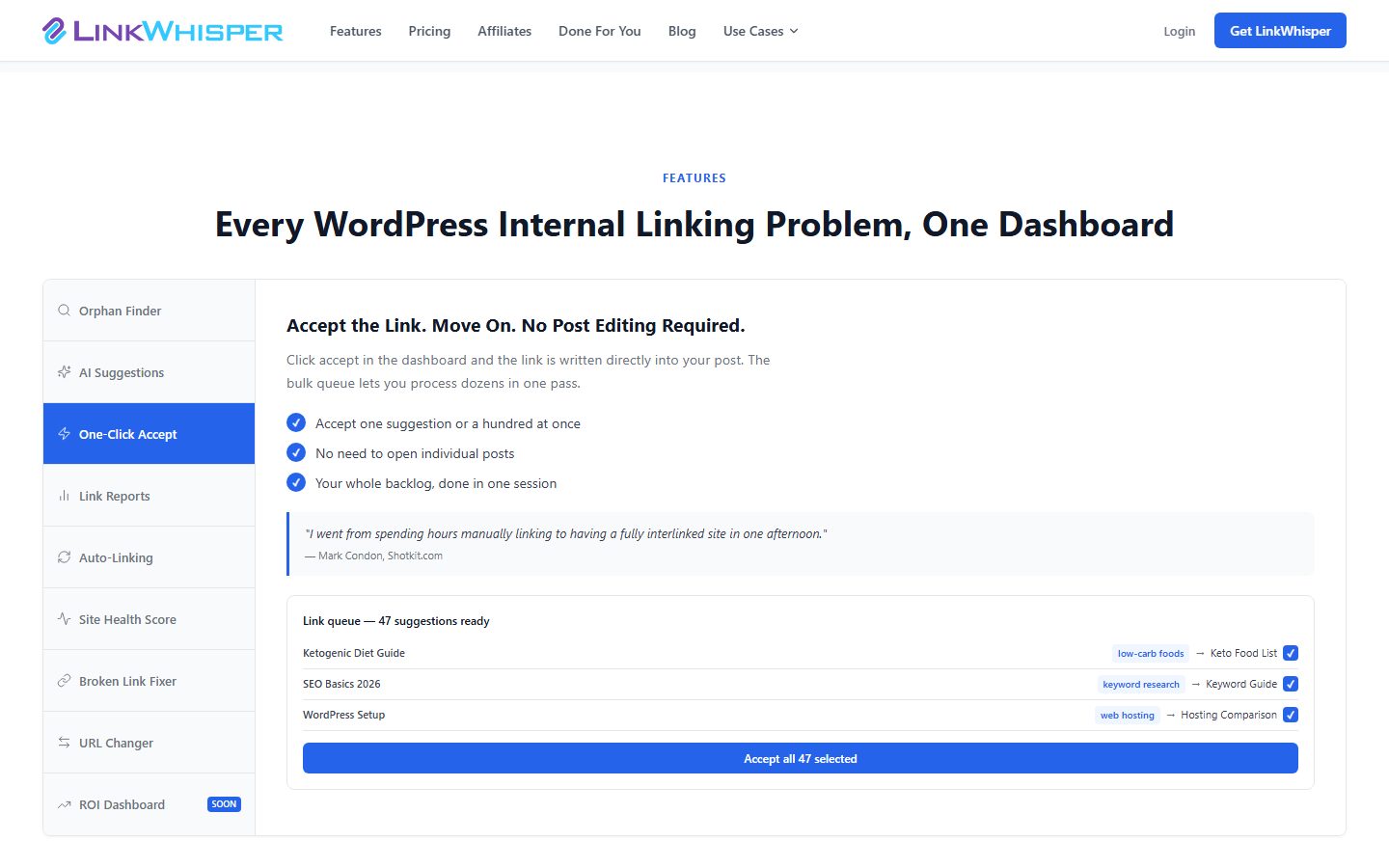
Tools that help in WordPress
- SEO plugins that report links and orphan content.
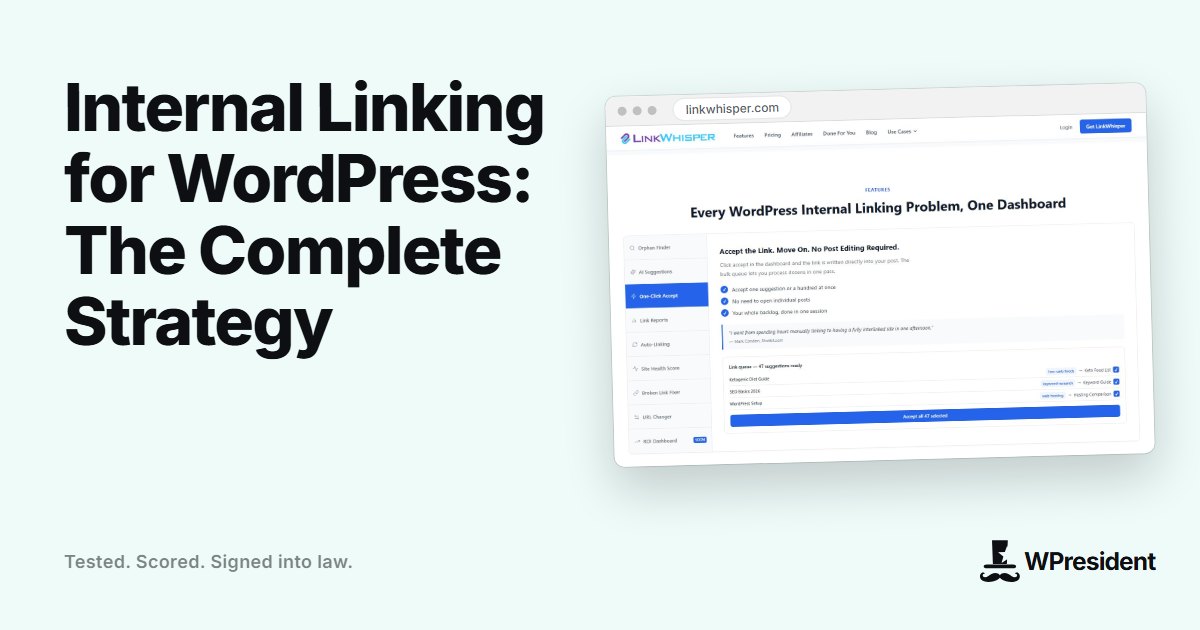
- Internal link suggestion plugins such as Link Whisper, which suggest relevant posts as you edit.
- Related posts blocks, used with care, to add contextual links at the end of articles.
Mistakes to avoid
- Linking only from menus and footers, with no links in the content.
- Using the same anchor text for different destinations.
- Stuffing dozens of links into one post.
- Leaving high-value pages three or four levels deep.
Final thoughts
Set aside an hour each quarter to review your top pages and add links from relevant posts. Consistent, thoughtful internal linking compounds over time as your content library grows.
Frequently asked questions
How many internal links should a post have?
There is no fixed number. Add as many as are genuinely useful to the reader. A few relevant links in a 1,500-word article is typical.
Do internal links pass PageRank?
Yes. Links distribute authority through your site, which is why pages you link to often tend to rank better.