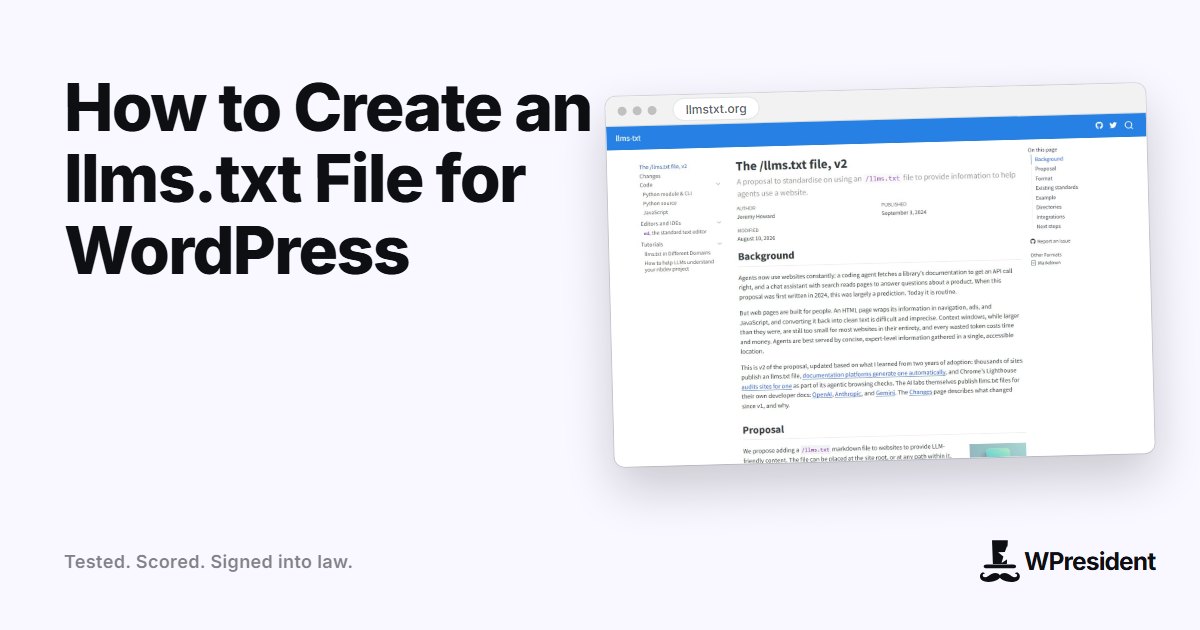
An llms.txt file is a plain-text Markdown file at the root of your site, such as example.com/llms.txt, that gives AI tools a short, curated map of what your site contains. It was proposed in 2024 as a companion to robots.txt and sitemap.xml: those tell crawlers what they may fetch, while llms.txt tells a language model what is worth reading.
Set expectations first
llms.txt is a proposal, not an official web standard. Support among AI products is uneven, and major search engines have said they do not use it for ranking. The file is cheap to create and harmless to publish, so it is worth doing, but do not expect traffic from it by itself.
What goes in the file
The format is simple Markdown:
- An H1 with the site or project name.
- A short summary in a blockquote.
- Optional paragraphs of context.
- H2 sections containing lists of links, each with a one-line description.
- An optional section named “Optional” for pages that can be skipped when space is short.
# Example Store

> Handmade ceramics, shipped worldwide. Tableware, planters and gift sets.

## Key pages
- [Shop](https://example.com/shop/): all products by category
- [Shipping and returns](https://example.com/shipping/): delivery times, costs and the returns policy

## Guides
- [How to care for stoneware](https://example.com/care/): washing, microwave and oven use

## Optional
- [About us](https://example.com/about/): the story behind the studio
How to add it to WordPress
Option 1: upload a file
Create llms.txt on your computer, then upload it to the folder that contains wp-config.php using SFTP or your host’s file manager. WordPress serves it directly because the file exists on disk.
Option 2: generate it dynamically
If your content changes often, generate the file from your posts so it never goes stale. An SEO plugin that supports llms.txt, or a few lines of code in a small plugin, can output the file at the same address. WPresident does this, listing its departments and key guides.
Option 3: use an SEO plugin
Some SEO plugins now include an llms.txt generator. Check your plugin’s settings before adding code yourself.
Choosing what to list
- Link to your best, most evergreen pages, not every URL.
- Write descriptions that say what a reader will find, in plain language.
- Include policies a shopper or reader would ask about: pricing, shipping, contact.
- Leave out thin, duplicate and expired pages.
Test it
- Open
yourdomain.com/llms.txtin a browser. It should load as plain text. - Check the response is
200and the type istext/plainor similar. - Make sure every link works and uses your canonical, HTTPS addresses.
- Do not block the file in robots.txt.
Keep it current
Review the file when you launch a new section, retire a page or change a policy. A stale llms.txt pointing at redirected or deleted URLs is worse than none.
Frequently asked questions
Does llms.txt improve my Google rankings?
No. Google has said it does not use the file for search ranking. Treat it as a low-cost helper for AI tools that choose to read it.
Do I also need llms-full.txt?
It is optional. The proposal describes a longer file with the full text of key pages for tools that want it. Start with the short llms.txt.
Is llms.txt the same as robots.txt?
No. robots.txt controls what crawlers may fetch. llms.txt is a reading guide that points tools to your most useful pages.