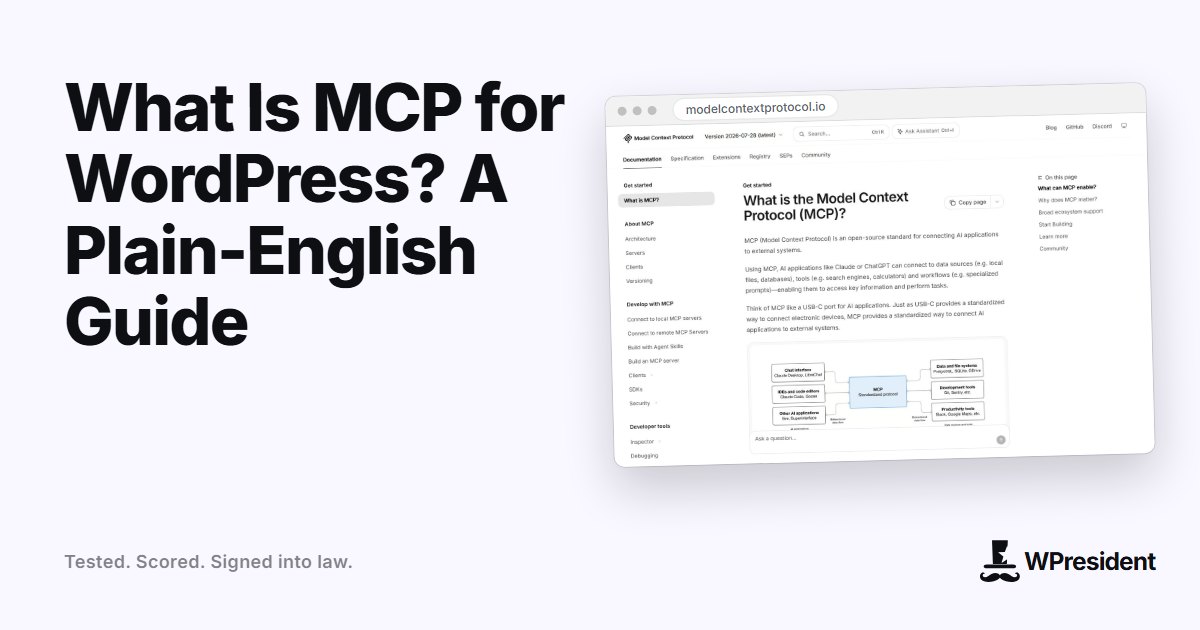
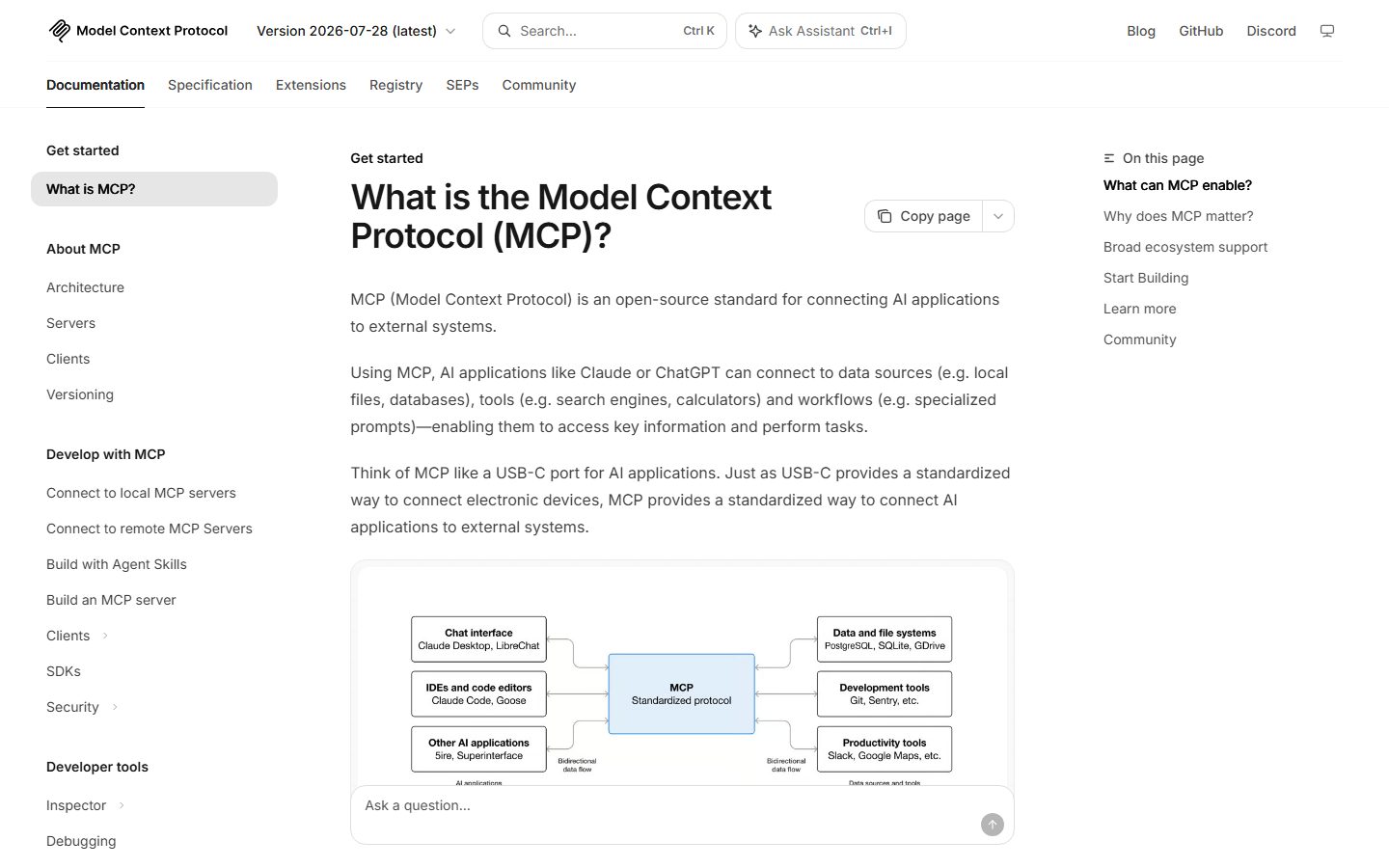
MCP, short for Model Context Protocol, is an open standard for connecting AI assistants to the tools and data they need to do real work. For WordPress, it means an assistant such as Claude, Cursor or a similar AI client can create a draft, update a setting or list your plugins by calling a defined tool instead of guessing at what you want in a chat window.
This guide explains how it works in plain terms, what it is good for, and the safety rules worth setting up before you let any agent near a live site.
How MCP works
Three pieces are involved:
- The client is the AI app you talk to: a desktop assistant, a code editor or a command-line agent.
- The server is a small program or plugin that exposes a list of tools. Each tool has a name, a description and a set of inputs, for example “create a post” with a title, content and status.
- The connection carries requests between the two, usually over HTTP, and decides who is allowed to call what.
When you ask the assistant to “draft a post about our new pricing”, it reads the list of tools the server offers, picks the right one, fills in the inputs and sends the call. The server runs it on your site and returns the result.
What MCP adds to WordPress
WordPress already has a REST API, so why does MCP matter? Because the REST API is built for developers who know which endpoint to call. MCP wraps site actions in descriptions an AI can read, so the assistant can discover what is possible and chain steps together without custom glue code for each task.
WordPress core has been moving in the same direction with an Abilities API, a standard way for plugins and core to register actions in a machine-readable form, and an MCP adapter that exposes those abilities to AI clients. Plugins can also ship their own MCP servers. Which of these you use depends on your site and the plugins on it.
What an AI agent can do on a WordPress site
- Draft, edit and schedule posts and pages, with the content checked by you before it goes live.
- Audit a site: list plugins and versions, find posts missing a meta description, spot broken links.
- Bulk-edit content: rename a category, fix a repeated typo, add alt text to images.
- Manage a store: update stock, change prices, create coupons.
- Run maintenance steps you describe, such as clearing a cache or checking a setting.
The strongest use is repetitive work with a clear definition of done. The weakest is open-ended work where nobody checks the output.
The risks, and how to manage them
An agent with write access to your site can do damage quickly if it misunderstands you. Treat it like a new contractor on day one:
- Use a staging site first. Test every workflow on a copy before it touches production.
- Give it the least access it needs. Create a dedicated user with only the capabilities the task requires, not your administrator login.
- Use application passwords or tokens you can revoke. Never share your main password with a tool.
- Keep drafts as drafts. Have the agent create content as drafts and publish it yourself.
- Back up before bulk changes. A fresh, tested backup turns a mistake into a ten-minute fix.
- Keep an audit trail. Log who or what changed what, so you can review and undo.
How to get started
- Pick one low-risk task, such as writing meta descriptions for existing posts.
- Set up a staging copy and a limited user.
- Install an MCP server for WordPress and connect your AI client to it.
- Run the task on a handful of items and review every result.
- Widen the scope only after the first runs are accurate.
Disclosure: the publisher of WPresident also builds NibWP, a WordPress plugin that provides MCP access to a site. This guide is not specific to any one plugin, and the same principles apply to every MCP server.
Final thoughts
MCP is a way to give an assistant a short, well-described list of things it may do on your site. Its value comes from the boundaries you set. Start small, keep a human in the loop for anything public, and expand as trust is earned.
Frequently asked questions
Is MCP only for Claude?
No. MCP is an open standard, and many AI clients and code editors support it. A server written once can be used by any compatible client.
Is it safe to let an AI edit my live WordPress site?
It can be, with limits: a dedicated low-privilege user, drafts instead of publishing, backups, and review of the results. Test on staging before production.
Do I need to know how to code?
Not to use an MCP server that someone else has built. Setting one up takes some technical comfort: installing a plugin, creating a user and pasting a connection address into your AI client.